Table of Contents
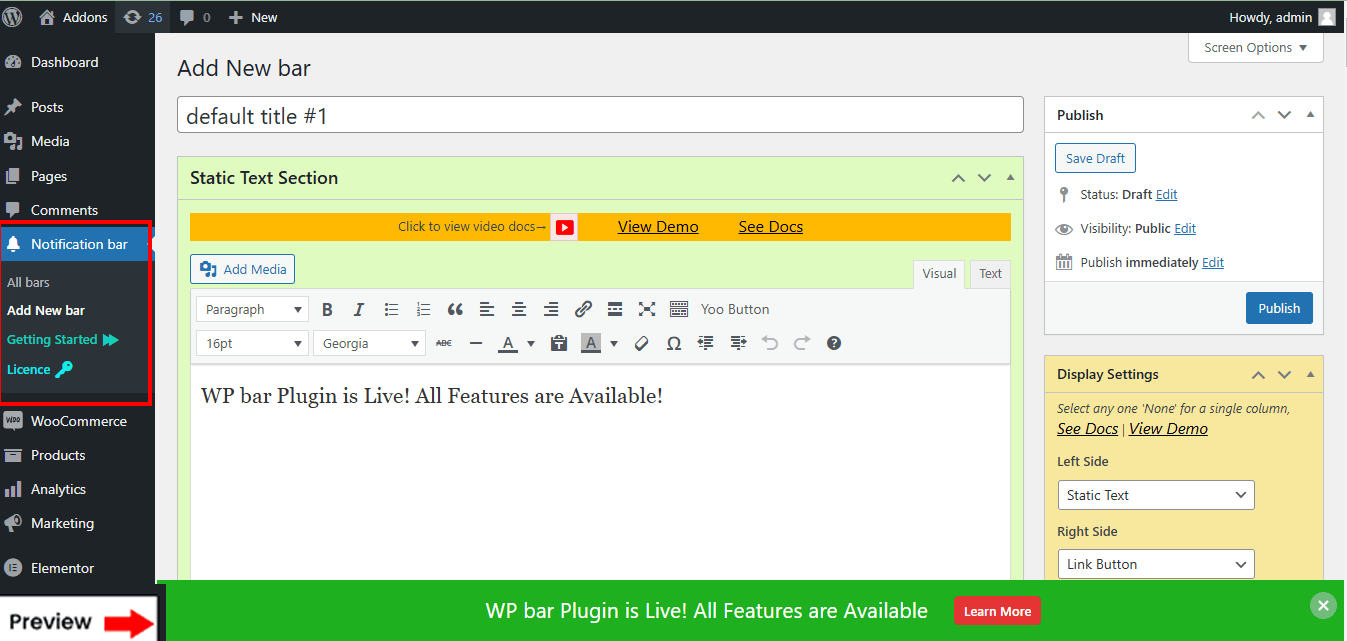
After Successfully activating the plugin, you need to click the add bar to create a single bar.
To create a new bar, click the Add Bar, then fill/write the content box choose display and location,
Background & extra #

Display Settings #

click the Publish button. Now look at the frontend
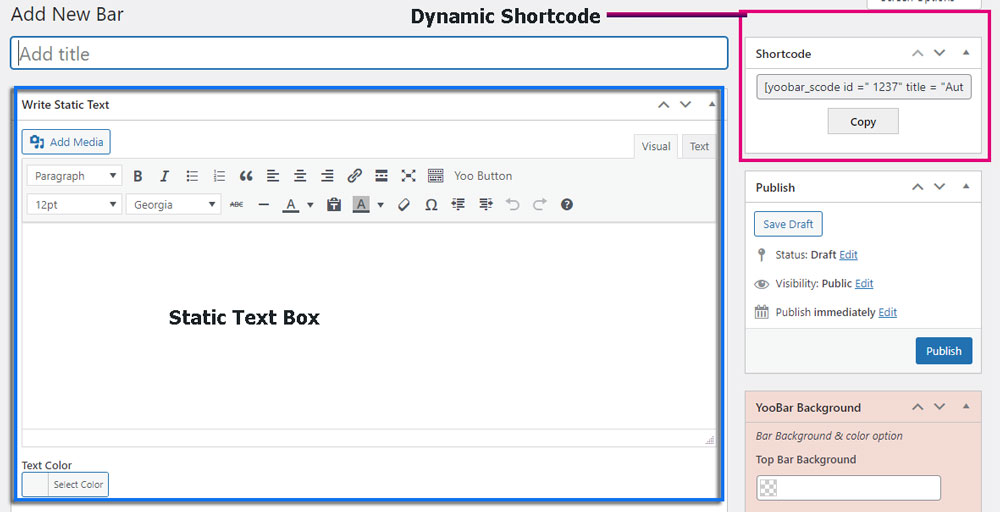
Dynamic Shortcode: #
it automatically generates a dynamic Shortcode for each bar. You can use this Short code on their site as many times as they like